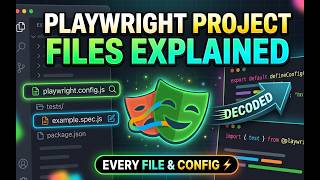
Playwright Project Structure Explained | Config, Tests, package.json & More #playwright
Description: 🚀 **Just installed Playwright using `npm init playwright@latest`?**
In this tutorial, we'll explore the default Playwright JavaScript project structure and understand the purpose of each important file and folder.
Whether you're a beginner or an automation tester getting started with Playwright, this video will help you understand how your project is organized.
📌 **What You'll Learn:**
✅ `playwright.config.js` – Understand test configuration, parallel execution, retries, workers, HTML reports, traces, and browser projects.
✅ `package.json` – Learn about project metadata, development dependencies, and npm scripts.
✅ `package-lock.json` – Understand dependency version locking and consistent installations.
✅ `tests/example.spec.js` – Explore test cases, browser navigation, locators, and assertions.
✅ `.gitignore` – Learn which files and folders Git should ignore.
✅ `node_modules` – Understand where installed packages and dependencies are stored.
✅ `.github` – Discover where GitHub-related configuration and CI workflows can live.
🎯 **Who Should Watch?**
- Beginners learning Playwright with JavaScript
- Manual testers transitioning to automation
- Selenium testers exploring Playwright
- QA engineers building their automation frameworks
💡 **Coming Next:** Learn how to execute Playwright tests and view the HTML report.
Subscribe to **QA TechBytes** for more Playwright tutorials, JavaScript automation tips, framework design, and practical QA techniques.
#Playwright #PlaywrightAutomation #JavaScript #AutomationTesting #QATechBytes #SoftwareTesting #QualityAssurance #PlaywrightTutorial #TestAutomation #WebAutomation Close description